
Free Step Counter & Pedometer App — No Ads, No Tracking
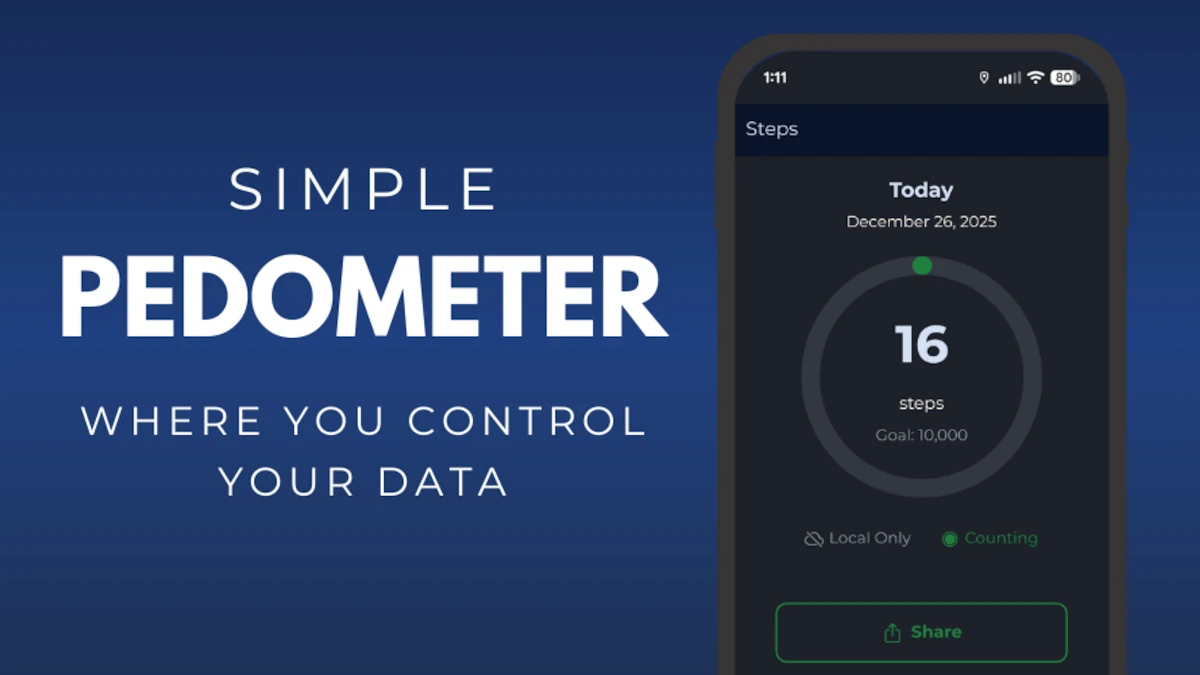
A free pedometer for daily step count. Estimate walking distance with simple health and fitness tracking. No ads, no analytics, and no account required.
Your Phone Already Tracks Steps
Use the pedometer app to monitor step count and steps tracking from the device that's already in your pocket.
Key features:
- Accurate step counting
- Walking distance and burned calories
- Lightweight, battery-friendly, and private
- Export step history
If you want to track burned calories, request it in an app store review. That will help us prioritize this feature for future updates.
A Pedometer and Step Counter in One Free App
This pedometer app works as a full step counter: it reads your phone's motion sensor to log every step, then turns your daily step count into walking distance and an activity trend you can actually read. It's one free pedometer step counter — no second app to install and no upsells.
Pedometer, step counter, or step tracker — whatever you call it, the job is the same: an accurate daily count that stays on your phone, with no ads and no account.
What's New in the Latest Update
- Cleaner, edge-to-edge design and a fresh app icon
- Simpler setup so you can start step counting in seconds
- A new "permissions needed" helper right on the home screen
- Updated for Android 16, using only the minimum permissions needed for step counting
- Better reliability and battery efficiency
Always free, ad-free, and private — your steps stay on your phone.

How Accurate Is a Phone Step Counter?
Modern Android phones include a dedicated hardware step-counter sensor — the same class of sensor a wrist wearable uses. This step counter app reads directly from that sensor, so your daily step count stays accurate without draining your battery or guessing from GPS.
For the most reliable step tracking, keep your phone in a pocket, waistband, or bag while you walk. Very short trips and slow, shuffling steps are the hardest for any pedometer to catch, so a little drift over a full day is normal and expected.
Because everything runs on-device, there's no cloud-sync lag and no account to slow you down — open the app and your current step count is already there.
Installation & Permissions FAQ
Why does the app ask for location access?
Android ties continuous background access to your phone's step-counter sensor to the location permission — that's an Android platform requirement, not something we chose. This app does not collect, store, or transmit your location. Your step data stays on your device.
What happens if I deny the permission?
The app can still count steps while it's open, but Android blocks background step counting without it — so your daily total won't update when the app isn't on screen. If your step count seems stuck, this is almost always why.
How do I fix step counting that isn't working?
Go to your phone's Settings → Apps → Pedometer → Permissions, and set Location to "Allow all the time." This takes one tap and doesn't require reinstalling the app.
Is the app free? Yes, the core free pedometer is free and will stay free.
More from Project Biotech
- Want workout logging too? Try our companion app, Simple Fitness & Workouts.
- On your feet all day? Thin orthotic insoles can take some of the load off.
- Browse all our privacy-first fitness apps.
- Keep learning with our daily health science quiz, with bite-sized questions based on published research.